
- Version
- Varies with device
- Size
- Varies with device
- Updated
- Requirements
- Varies with device
- Package Name
- com.android.chrome
- Developer
- Google LLC
- Content Rating
- Everyone
- Installs
- 10B+
Screenshots
About Google Chrome
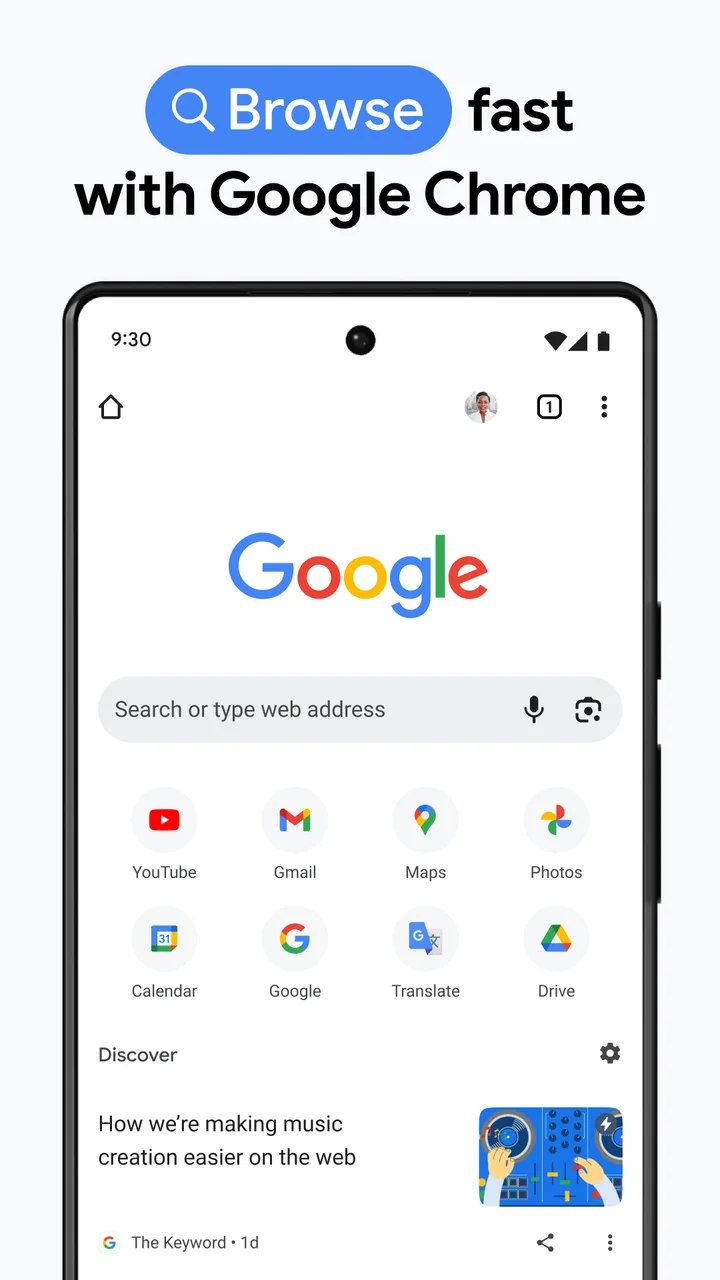
Chrome is the browser preinstalled on most Android devices. Downloading it separately generally matters only if it was removed, or if you are on a device that ships a manufacturer browser instead.
The things people miss
- Data Saver / Lite mode has been withdrawn. If you are looking for it after an upgrade, it is gone rather than moved.
- Desktop site is per-tab, not global, and resets. For a site you always want in desktop mode there is no persistent setting.
- Chrome on Android does not support extensions. This is the single biggest functional gap versus desktop, and it is the reason most ad-blocking on Android happens at the DNS level or in a different browser.
Sync and what it carries
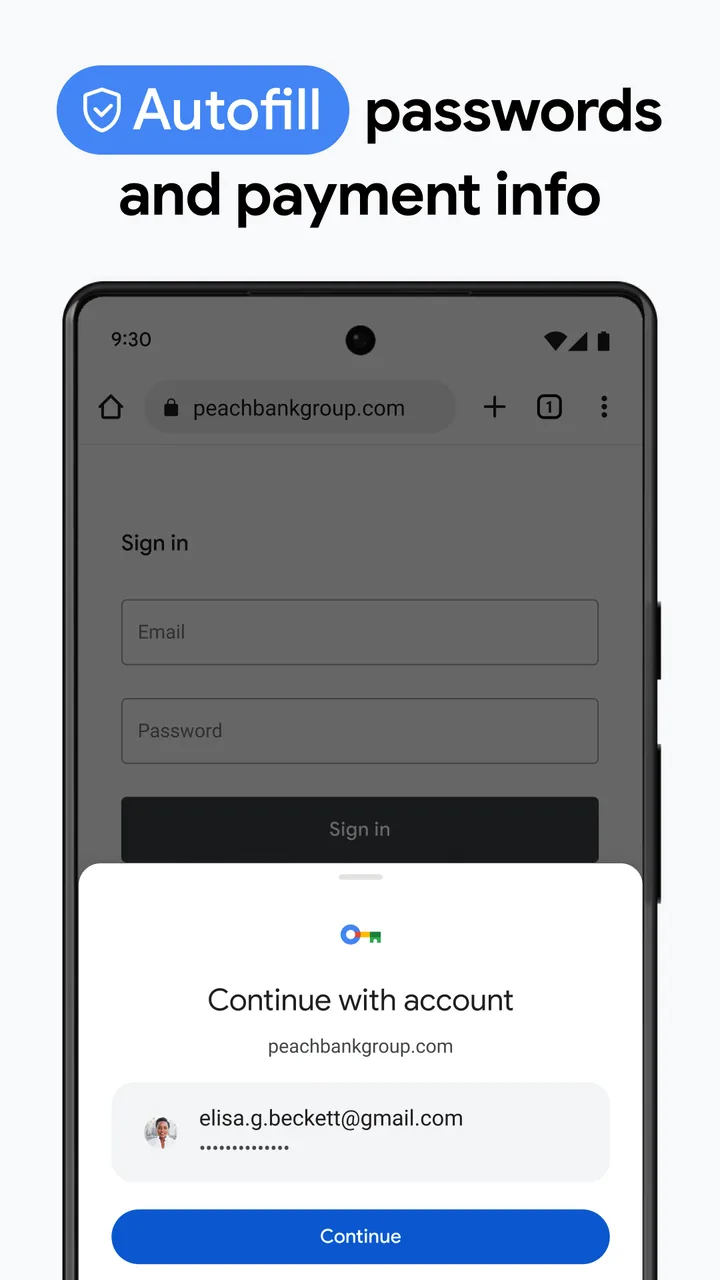
Signing in syncs tabs, history, passwords and payment methods. Passwords sync to your Google account by default; whether that is convenient or a concentration of risk depends on your setup. It can be disabled per data type rather than all or nothing.
Alternatives worth knowing
If extension support or built-in content blocking is what you want, Firefox on Android supports a curated extension set including uBlock Origin. If you want Chrome’s rendering with less of Google’s account integration, several Chromium-based browsers offer that. Chrome’s advantage is that it is already there and it is fast.
Tags
- #communication
- #free
- #ads
Google Chrome vVaries with device · Varies with device · 49,202,851 ratings