- Version
- Varies with device
- Size
- Varies with device
- Updated
- Requirements
- Varies with device
- Package Name
- com.google.android.inputmethod.latin
- Developer
- Google LLC
- Content Rating
- Everyone
- Installs
- 10B+
Screenshots
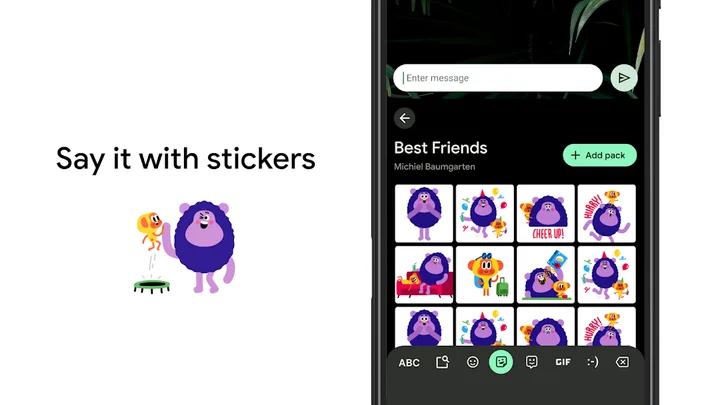
About Gboard - the Google Keyboard
Gboard is Google’s own keyboard for Android, and on most Pixel and many Android devices it is already installed as the system default. Downloading it separately matters mainly if your device shipped with a manufacturer keyboard instead, or if you cleared it and want it back.
What it does differently
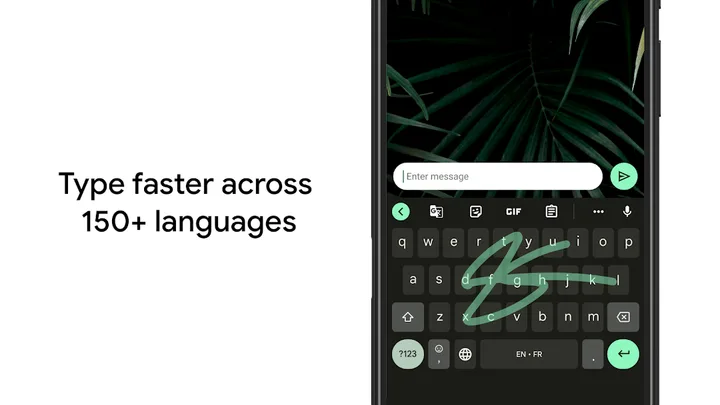
The feature people notice first is glide typing — dragging a finger across letters rather than tapping each one. The second is that search is built into the keyboard itself, so you can look something up and drop the result into a message without leaving the conversation.
Multilingual typing is the quieter strength. You can enable several languages at once and Gboard will predict across all of them without making you switch layouts mid-sentence, which is the usual friction point on other keyboards.
Things worth knowing before installing
- It requests a lot of permissions by design; a keyboard sees everything you type. Google documents what is sent to its servers, and personalised suggestions can be turned off in settings if you would rather they were not.
- Voice typing runs on-device on newer hardware and in the cloud on older devices.
- The clipboard history is off by default and has to be enabled deliberately.
Who it suits
Anyone typing in more than one language, and anyone who prefers glide input. If you mostly want a lightweight keyboard with no account attached, a smaller open-source alternative will serve you better.
Tags
- #tools
- #free
Gboard - the Google Keyboard vVaries with device · Varies with device · 18,814,507 ratings