

- Version
- 5.7.7
- Size
- Varies with device
- Updated
- Requirements
- Android 7.0+
- Package Name
- com.ibragunduz.applockpro
- Developer
- App Lock LLC
- Content Rating
- Everyone
- Installs
- 100M+
Screenshots


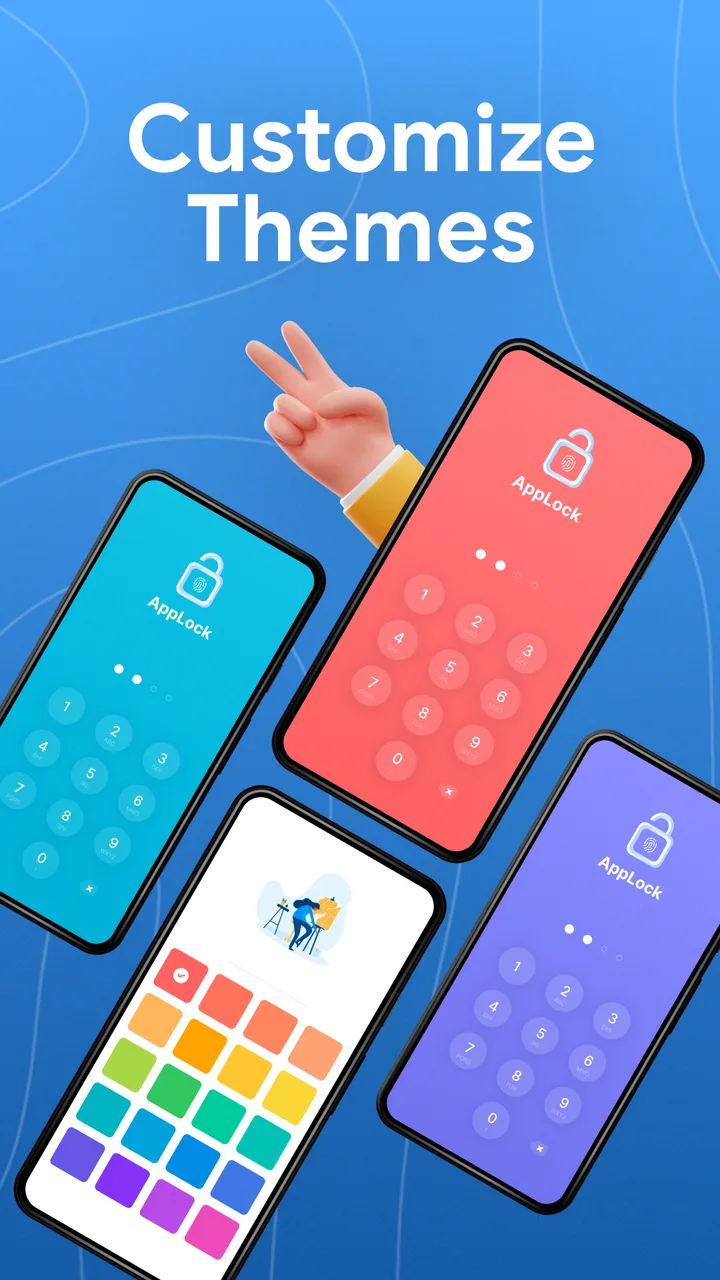
About AppLock Pro - App Lock & Guard
App lockers put a PIN, pattern or fingerprint prompt in front of individual apps, so that handing someone your unlocked phone does not hand them your messages.
Understand what this protects against
App locks defend against the casual case: someone borrowing your phone, a partner or colleague picking it up. That is a real and common scenario, and for it they work.
They do not defend against a determined attacker with the device. An app lock is drawn on top of the app it guards, not built into Android’s security model, and there are documented ways around that class of protection — recents screen previews, notification content, and the fact that the underlying app data is unchanged on disk.
For actually sensitive material, Android’s per-user profiles or a vault with real encryption are the right tools.
Check what the OS already gives you
Several manufacturers ship this. Samsung’s Secure Folder, Xiaomi’s App Lock and equivalents elsewhere do the same job without a third-party app holding the key. Look for it before installing anything.
Permissions to expect
An app locker needs usage access and an overlay permission, and usually accessibility. That combination lets it see which app is in the foreground and draw over it — necessary for the function, and broad enough that the developer’s identity matters.
Practical note
Lock the settings app too. An app lock that leaves Settings open can be uninstalled by anyone holding the phone, which defeats it.
Tags
- #productivity
- #free
- #in-app-purchases
- #ads
AppLock Pro - App Lock & Guard v5.7.7 · Varies with device · 2,008,628 ratings