
Alarmy - Alarm Clock & Sleep
Sleep Tracker & Alarm Clock by Delightroom · Productivity
- Version
- 26.34.0
- Size
- Varies with device
- Updated
- Requirements
- Android 9+
- Package Name
- droom.sleepIfUCan
- Developer
- Sleep Tracker & Alarm Clock by Delightroom
- Content Rating
- Everyone
- Installs
- 50M+
Screenshots


About Alarmy - Alarm Clock & Sleep
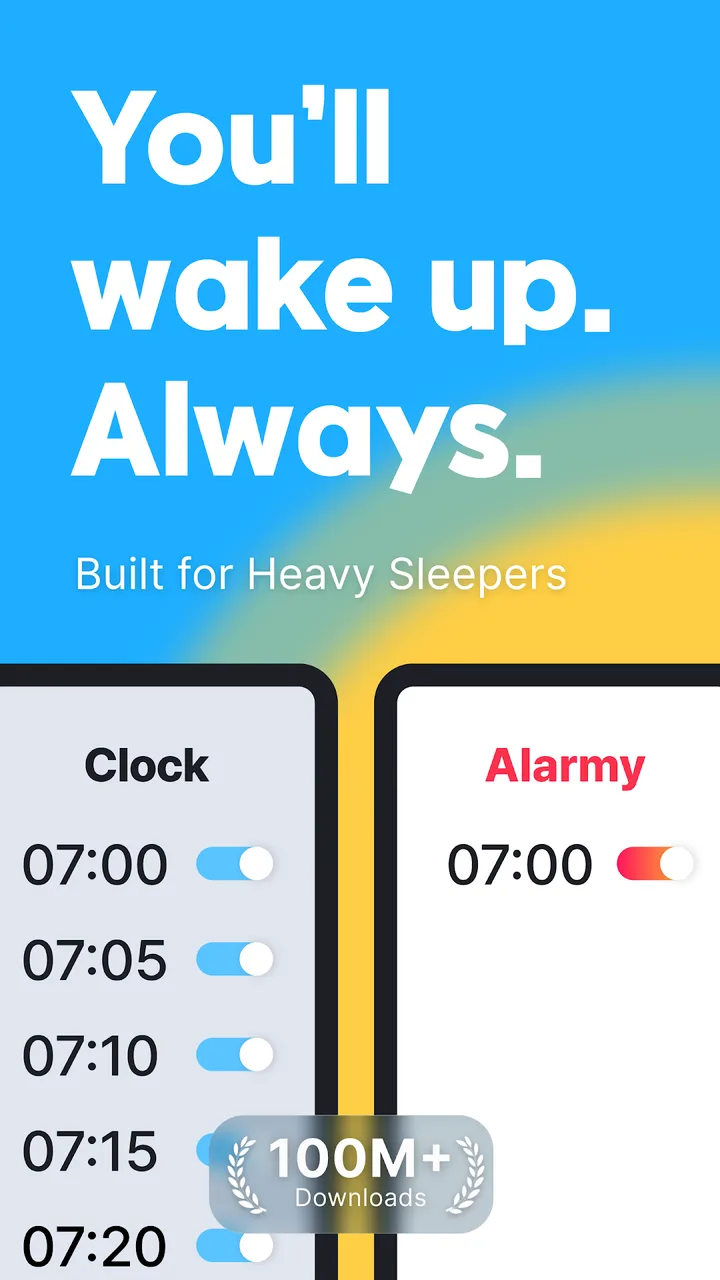
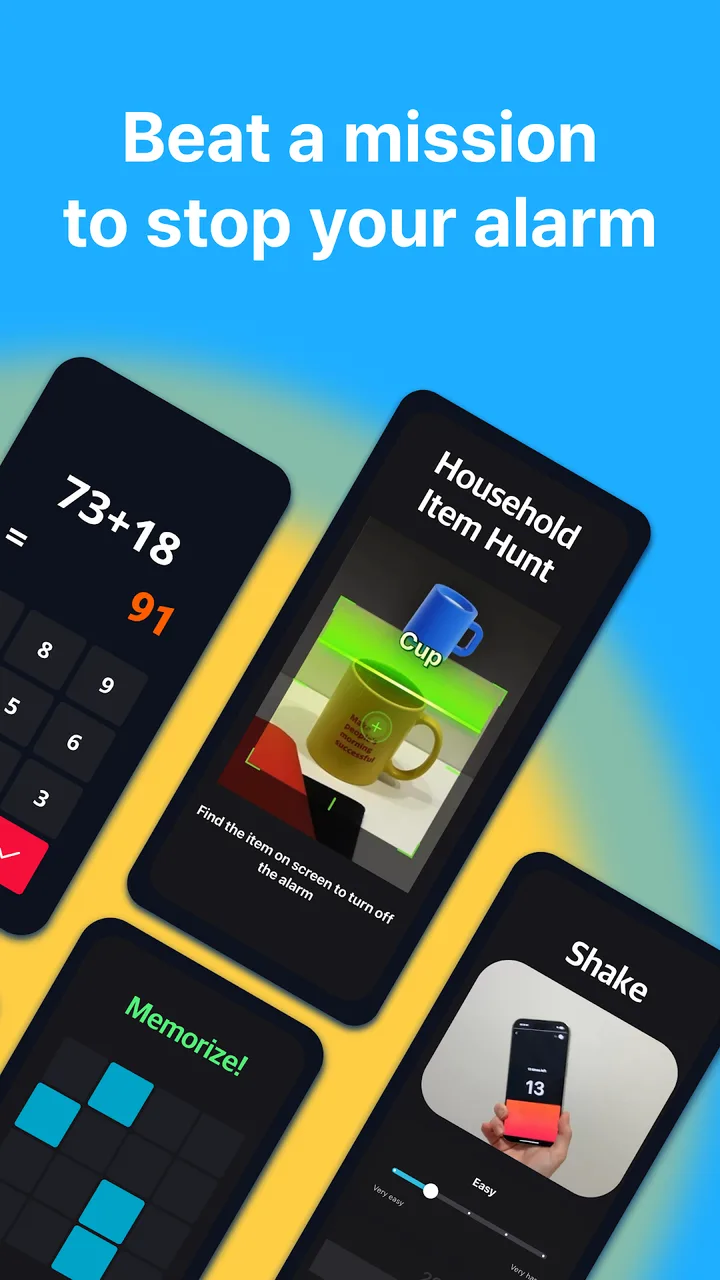
Alarmy’s premise is that a snooze button defeats an alarm clock, so it makes dismissing an alarm require something that wakes you properly: photographing a specific place in your home, solving maths problems, shaking the phone, or scanning a barcode you have placed in another room.
Does it work
For people who genuinely sleep through conventional alarms, the photo mission is the one that works — because it requires standing up and walking somewhere. The maths problems can be solved half-asleep and forgotten. Choose the mission on that basis rather than on difficulty.
Practical setup
- Battery optimisation will silence it. This is the cause of nearly every “the alarm didn’t go off” review. Exclude Alarmy from battery optimisation and allow it to run in the background before you rely on it.
- Test the mission the night before. Discovering that the reference photo is unusable in morning light is a bad way to start a day.
- Do not set the photo target somewhere you might not be. Travelling breaks it.
The subscription
The free tier covers the core alarm and the main missions. Sleep tracking, sounds and several missions are subscription-only, and the app prompts for it frequently. The free version is genuinely usable, which is not true of every app in this category.
Who should skip it
If your phone’s built-in alarm already wakes you, this adds friction for no benefit.
Tags
- #productivity
- #free
- #in-app-purchases
- #ads
Alarmy - Alarm Clock & Sleep v26.34.0 · Varies with device · 2,136,818 ratings